
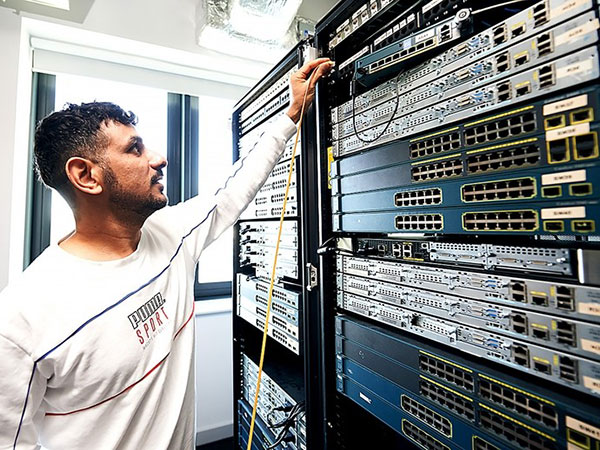
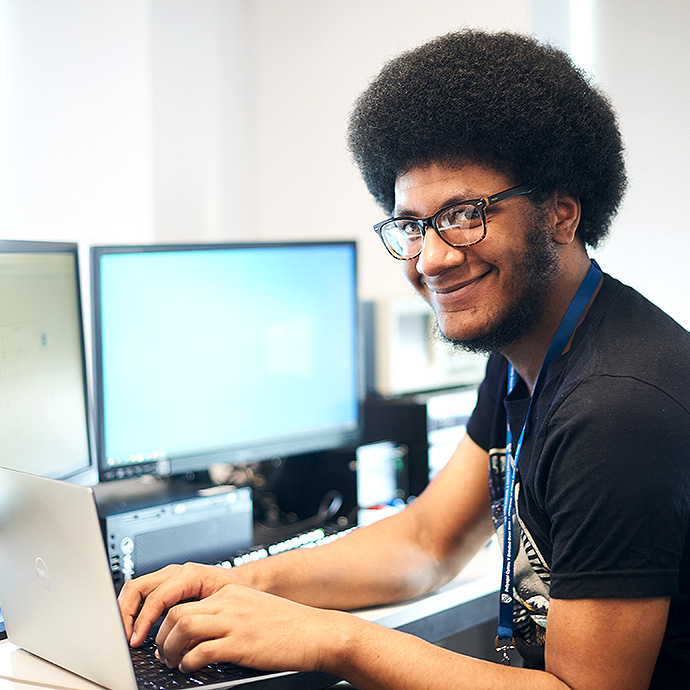
Bring Your Own Device (BYOD) enables staff and students to use their own personal devices such as phones, tablets, and laptops to access University resources.
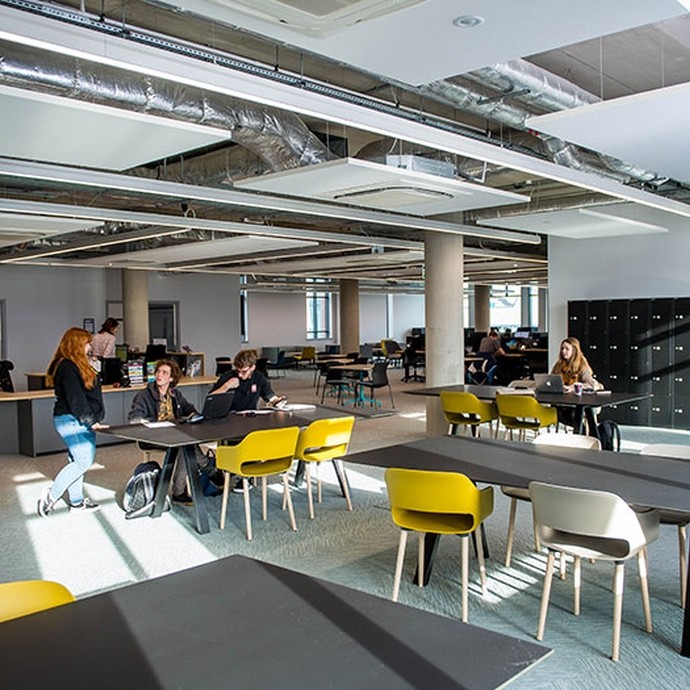
You can print, copy, and scan using our Multi-Functional Devices (MFDs) on all of our campuses. Read more for locations and printing costs.
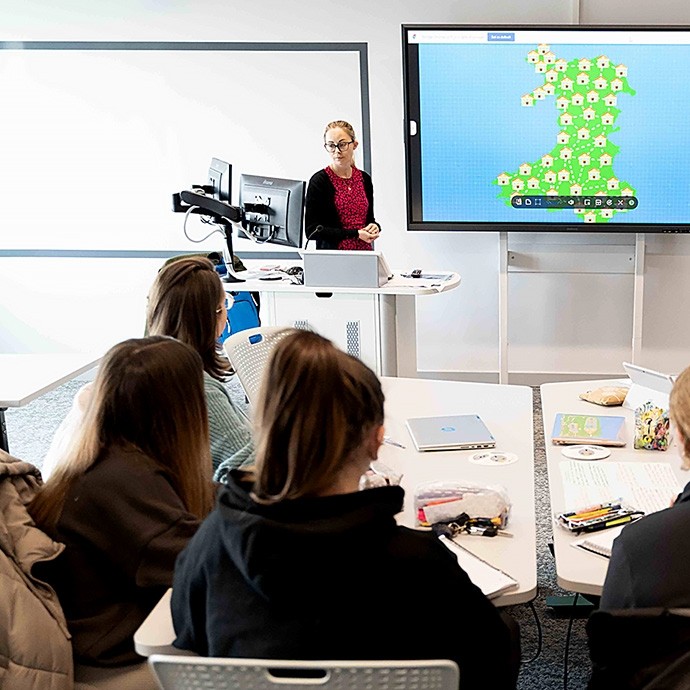
We have a number of teaching and learning spaces across all campuses with a wide range of facilities to support our teaching and learning delivery methods.

You can store files on your OneDrive, on Teams, and on shared drives. Learn more about the options and responsibilities you have regarding how you store your data.
ServiceNow is the new online centre for contacting our support departments, getting help, and reporting problems.
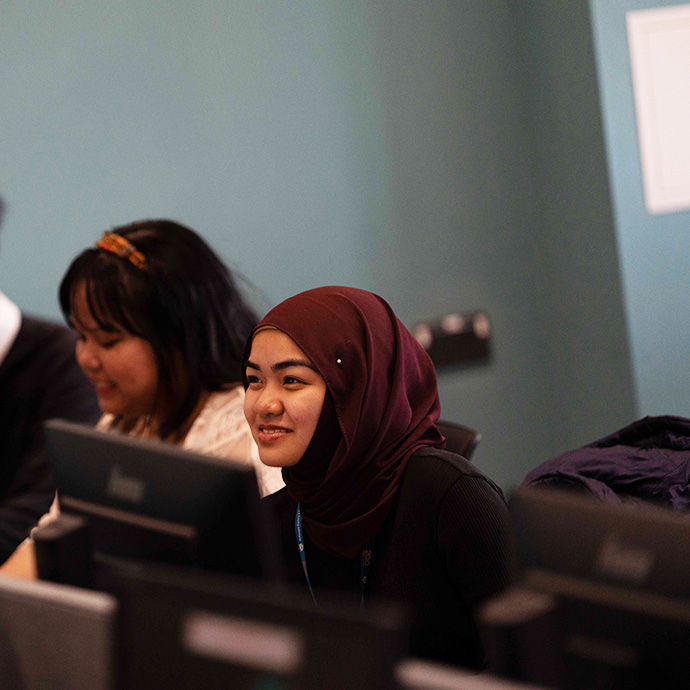
Details of our computer rooms on all of our campuses.
The Self-Service Password Reset portal enables all students & staff to reset their password without having to contact the IT Service Desk.
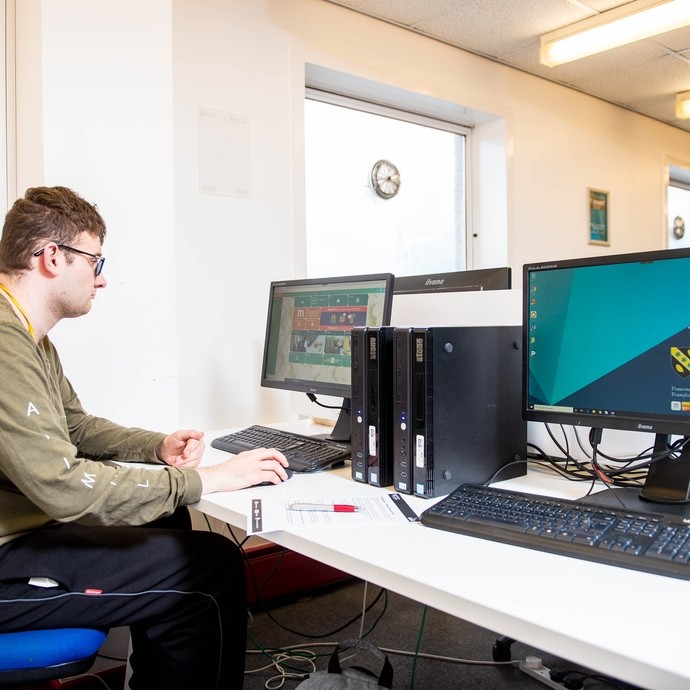
MFA provides an extra layer of protection when accessing University IT Systems.
If you are working/studying from home and have very poor internet speeds, then the information here is designed to help you.

Eduroam is the wireless network for students and staff to use across all campuses.

Find out about Microsoft Office 365, a powerful suite of programmes available free with your staff or student account.
Your Outlook email account connects you to the rest of UWTSD. Check it regularly for important messages and useful information about events and resources.

Find out how to spot scam emails, what to do with them, and where to report them.
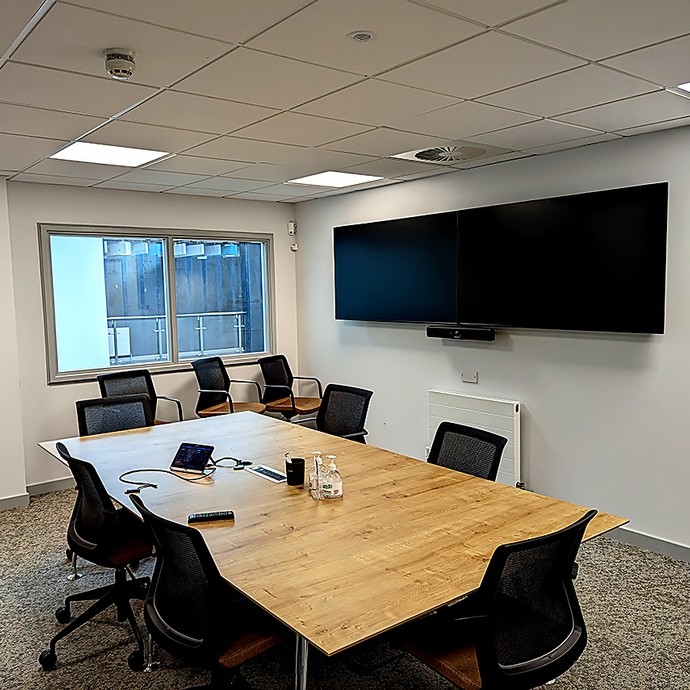
Our Microsoft Teams Meeting Rooms bridge the gap between remote and on-campus work.

Working away from the campus can come with some technology challenges. Learn how to set things up so you can still access all the services and apps that you need.
If you need to use a specialist app available only on UWTSD computers, you can log in to our open access PCs with your own device. Read our connection guides for Windows and Apple systems.

There are a lot of great offers available to UWTSD students as part of our IT Exclusives offer.

Free software and discounts for UWTSD staff.

Keep up to date with our ongoing and complete projects through our IT News.